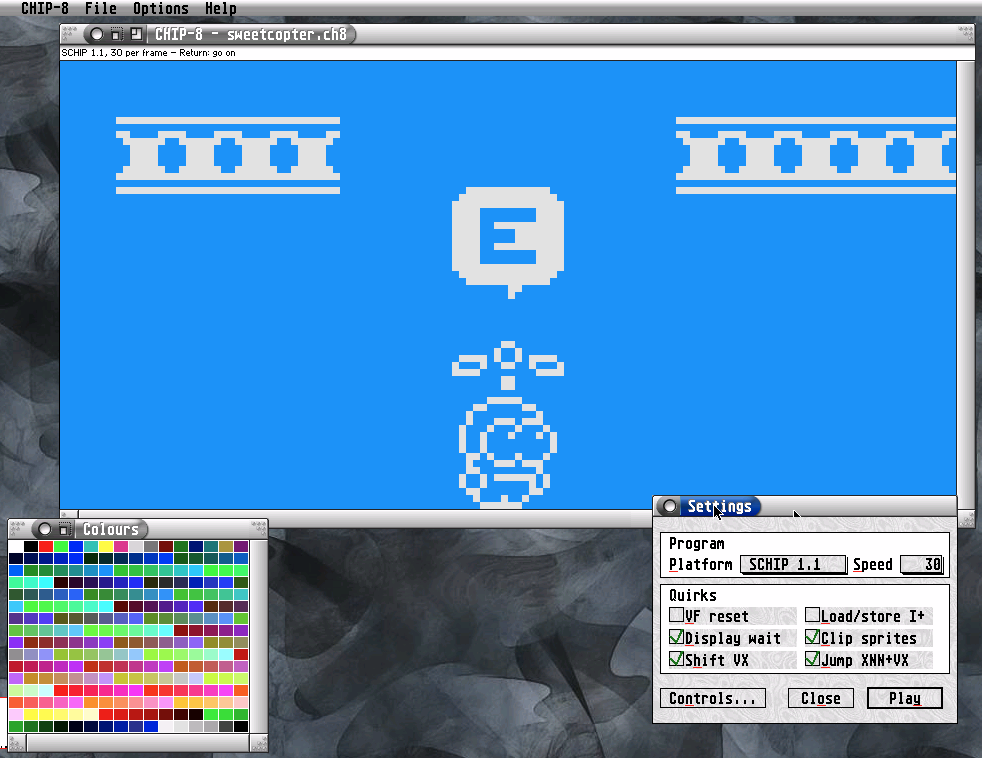
ACE ST
Jupiter Ace emulator for the Atari ST, written in 68000 assembly (vasm, Motorola syntax). The Jupiter ACE was an obscure 8-bit computer released in 1982 by the British company Jupiter Cantab. It arrived in a crowded market, just a couple of months after the UK release of the ZX Spectrum.
Recent changes
Version 0.8 (2026-11-11)
- settings dialog
- save screenshot
- load .ACE snapshots
- sound
- compatible with medium resolution
- added sample game Daleks
Version 0.3 (2026-11-09)
- Faster Forth data stack push and pop (41% → 45%)
- Screen refresh only when the screen changed, four cells per compare (45% → 48%)
- Control+Q quits (was Undo); no key leaks out to the desktop
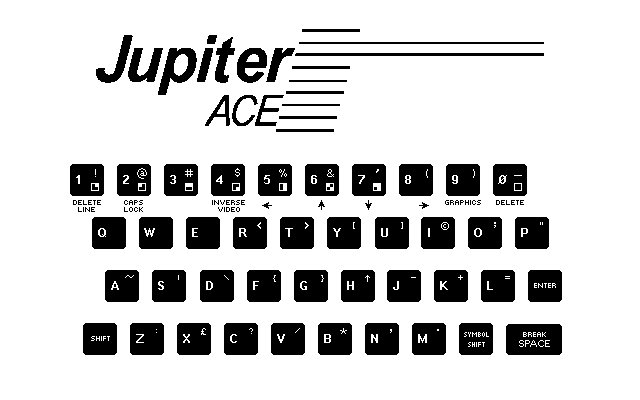
- Only Help closes the keyboard picture
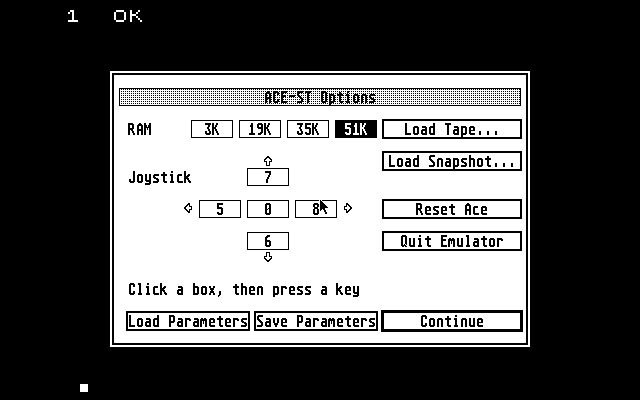
| ACE ST 0.8 | |
|---|---|
| Release date | 2026-11-11 |
| Systems | ST, STE |
| Languages | |
| Programming language | Assembler |
| Download | ACE ST (44 KB) |
| AtariUpToDate | Program info |
CHIP-8-Emulator
CHIP-8 is an interpreter and virtual machine, first designed by Joseph Weisbecker in the late 1970s. His goal was to enable simple, platform-independent game development. Over the years, many interpreters and extensions for the language have been released. This is now the first emulator/interpreter for the Atari ST
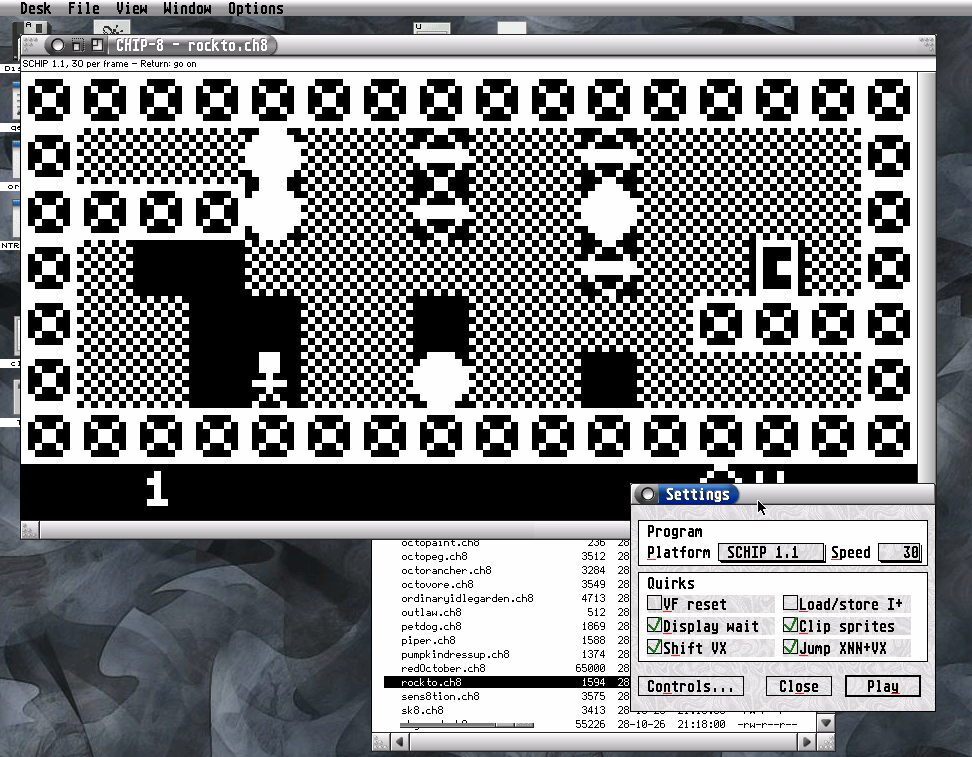
The CHIP-8 app runs in both full-screen and windowed modes, supports programs in the CHIP-8, Super CHIP 1.1, Super CHIP modern, and Octo formats, offers various options for handling “quirks,” and, if desired, displays the typical keypad.
CHIP-8 works perfectly with multitasking and fast Ataris. Programs can simply be dragged and dropped onto the window. Colors can be easily dragged onto the corresponding area using the program Colour Selector.
XO-CHIP programs (larger than 3.5 KB) are not yet supported. This emulator was written with AI support .
Recent changes
Version 1.1 (2026-11-06)
- supports palette files
- save screenshots
| CHIP-8-Emulator 1.1 | |
|---|---|
| Release date | 2026-11-06 |
| Systems | ST, STE, Falcon, FireBee |
| Languages | |
| Programming language | C |
| Download | CHIP-8-Emulator (305 KB) |
| AtariUpToDate | Program info |
STemBoy
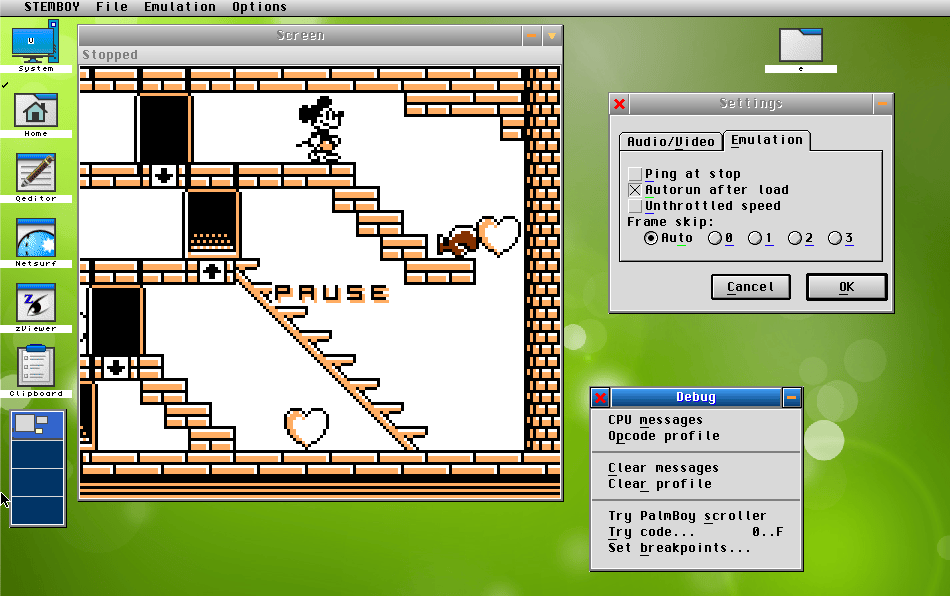
STemBoy is a Game Boy emulator for ST-compatible computer systems. This emulator was programmed by Bodo Wenzel and was a byproduct of the development of a Game Boy emulator for Palm systems. Ultimately, further development was discontinued.
My changes were initially only cosmetic. Version 3.50 was improved using AI. STemBoy does not claim to be among the best emulators. Additionally, a fast Atari is required.
Features- Compatible with many games of the b/w Game Boy. Most PD games should run.
- completely integrated in GEM, support for Drag & Drop, DHST, BubbleGEM
- runs on STs, TTs, Falcon and Clones
- simple debugging functions
- long file names
- Control by keyboard/joystick
- Palette files to colorise the display
- Sound (best with Falcon-compatible sound system)
Recent changes
Version 4.00 (2026-11-12)
- Sound: Either the YM2149 (experimental) or Falcon DMA play music and sound effects
- Faster on mono screens: optimised dithering, sound and picture drawing.
- unified settings dialog for audio/video, emulation and controls
- New Frame skip option: Auto, 0, 1, 2 or 3.
- New Controls tab: keyboard, joystick or a Jaguar pad
- New button keys: A = A, S = B, Return = Start, right Shift = Select.
- Save screenshot saves a PNG in SCNSHT
- Removed PalmBoy export.
- Iconify, Document History Protocol, Drag & Drop (Games (.gb) and palettes (.pal) can be dropped on the game window).
- BubbleGEM help
Version 3.60 (2026-11-05)
- Now with color: Palette files add color to grayscale images—even on a game-by-game basis
- The emulation window can be enlarged by a factor of 4
- Speed throttling can be disabled
Version 3.50 (2026-10-25)
- The four shades of gray were simulated using flickering—now there is a dither mode
- STemBoy ran too fast on high-performance Ataris
- Self-modifying code from the version for 020/030/040 systems has been removed
- Debug functions are now accessible via a single window, instead of using multiple menu items
- New dialogs for Settings and View that consolidate several menu items
- 2x display mode for higher resolutions
- Switch to cflib; dialogs are now displayed in windows
| STemBoy 4.00 | |
|---|---|
| Release date | 2026-11-12 |
| Systems | TT, Falcon |
| Languages | |
| Programming language | C |
| Download | STemBoy (352 KB) |
| AtariUpToDate | Program info |
sz81
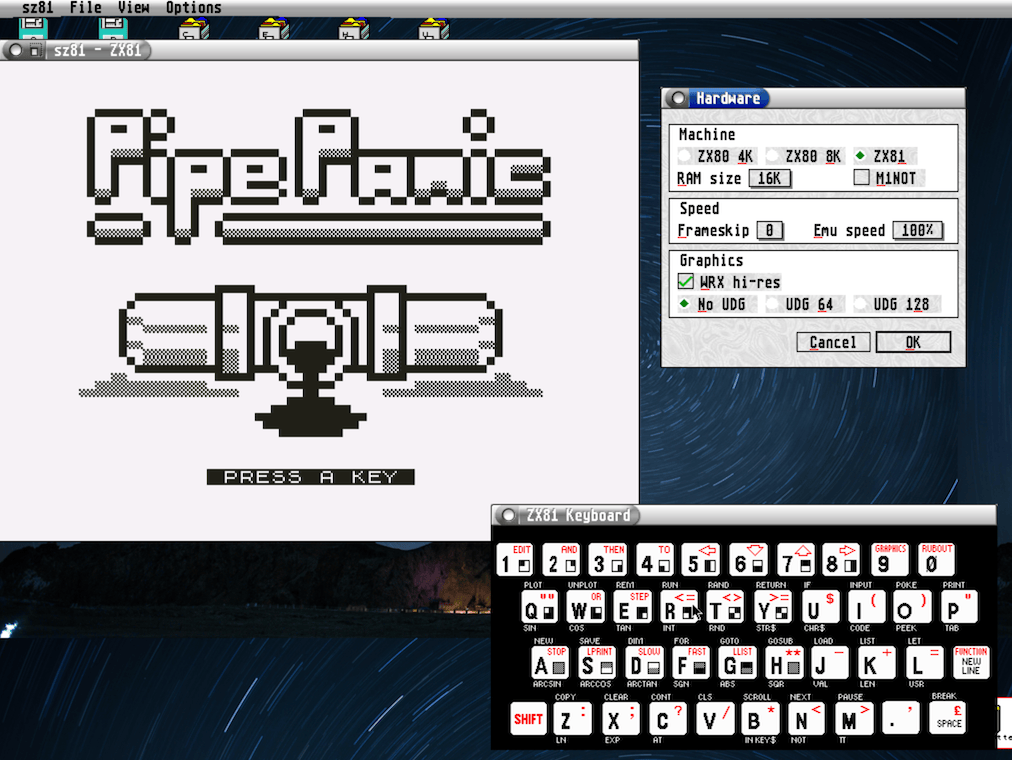
This is an attempt to bring the sz81 ZX81 emulator to the Atari ST family of computers, including a more user-friendly native UI and fixes specific to the platform. sz81 has been previously ported before, but was missing the Chroma80 and Chroma81 extension, along with a couple of other features.
This is still an SDL-based emulator and has higher system requirements than Christoph Zwerschke's excellent ZX81-Emulator. If you want to enjoy the Zeddy on an 8 MHz Atari ST, use his emulator. This one is for the folks who run a multitasking operating system.
This ports main goal is to offer everything from the sz81 ui also in a native fashion. Note that I don't intend to remove the sz81 ui (except the file selector), as I integrate a fullscreen mode later.
| sz81 1.0 | |
|---|---|
| Release date | 2026-11-22 |
| Systems | Atari ST/TT/Falcon & FireBee |
| Languages | |
| Programming language | C |
| Download | sz81 ( KB) |
BAS2TAP
This program converts 'BASIC in an ASCII file' to a TAP tape image file, to be used in a ZX Spectrum emulator. Both 48K and 128K listings are supported.Recent changes
Version 1.8 (2000-11-09)
- The DEF FN function only requires insertion of evaluation room in the parameter area before the '=' token.
| BAS2TAP 1.8 | |
|---|---|
| Release date | 2001-08-21 |
| Systems | ST |
| Languages | |
| Programming language | C |
| Download | BAS2TAP (52 KB) |
| AtariUpToDate | Program info |
Text2Bas
Text To BASic converter. Usage is "text2bas program.bas" or "text2bas progam.txt output.vz"In the first case it will create a file "program.vz" while in the latter case you can specify a different output filename. Just try "text2bas test.bas" and load test.vz into VZEm then.
| Text2Bas 1.0 | |
|---|---|
| Release date | 2001-10-12 |
| Systems | Atari ST/TT/Falcon |
| Languages | |
| Programming language | C |
| Download | Text2Bas (52 KB) |
| AtariUpToDate | Program info |